Memos
- Pro
Memos turns a voice recording into a transcript you can search, correct and export. Transcription runs on your computer and works offline. Nothing leaves your device.
Memos is part of Pro. It’s included in the 14-day trial.
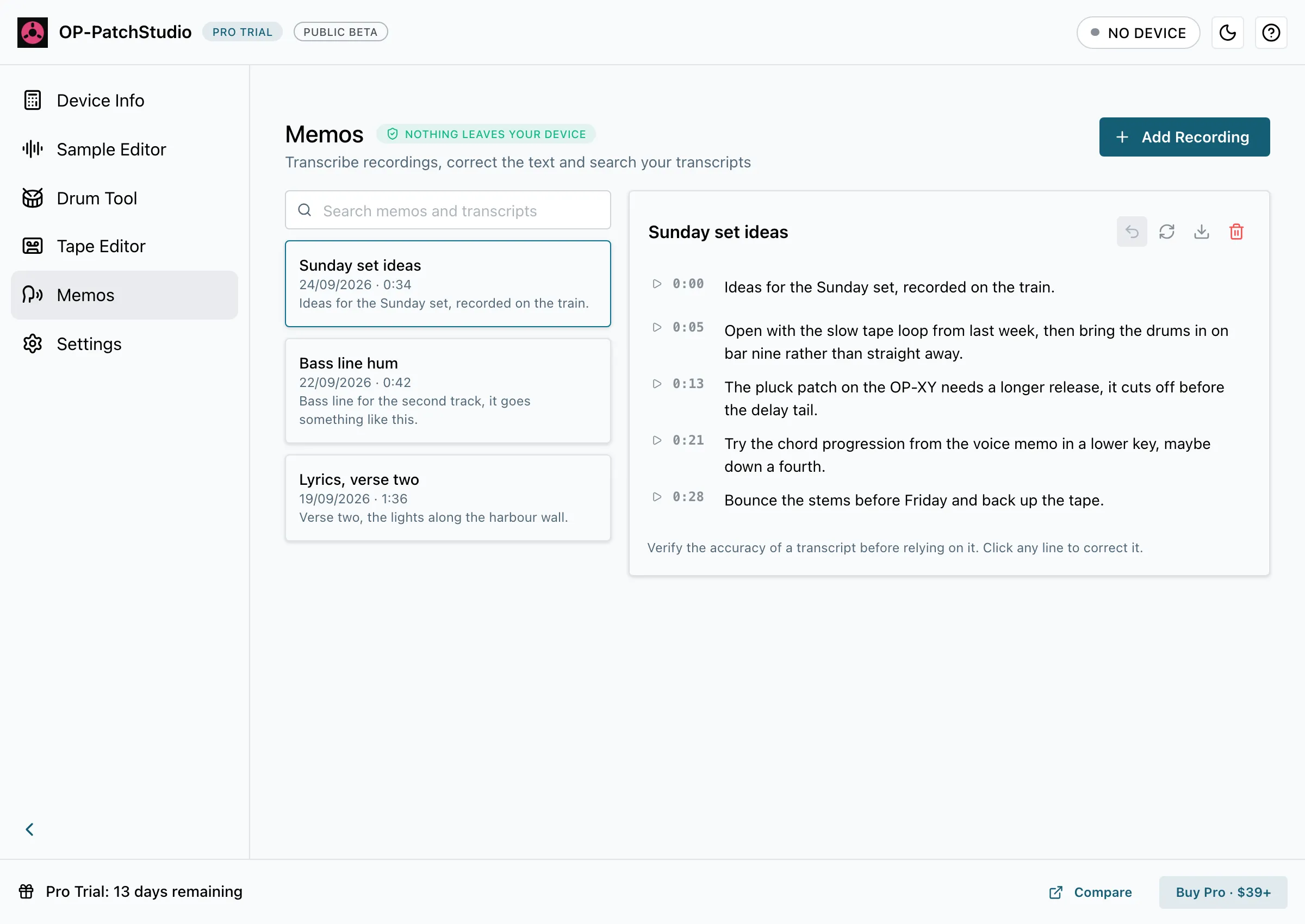
Set Up Transcription
Section titled “Set Up Transcription”The first time you add a recording, Memos asks you to download a speech pack. You only do this once.
- English only: a 60 MB download, fast on every computer.
- All languages: a 574 MB download that works out which language is spoken.
The app marks the pack that suits your computer as Recommended for this computer. On a Mac with Apple silicon that’s All languages; everywhere else it’s English only. You can pick either.
The pack downloads from Hugging Face (huggingface.co), which hosts the speech data, along with a small voice-detection file that helps skip silence. Your recordings and transcripts stay on your computer, and transcription works offline once the pack is installed.
Transcribe a Recording
Section titled “Transcribe a Recording”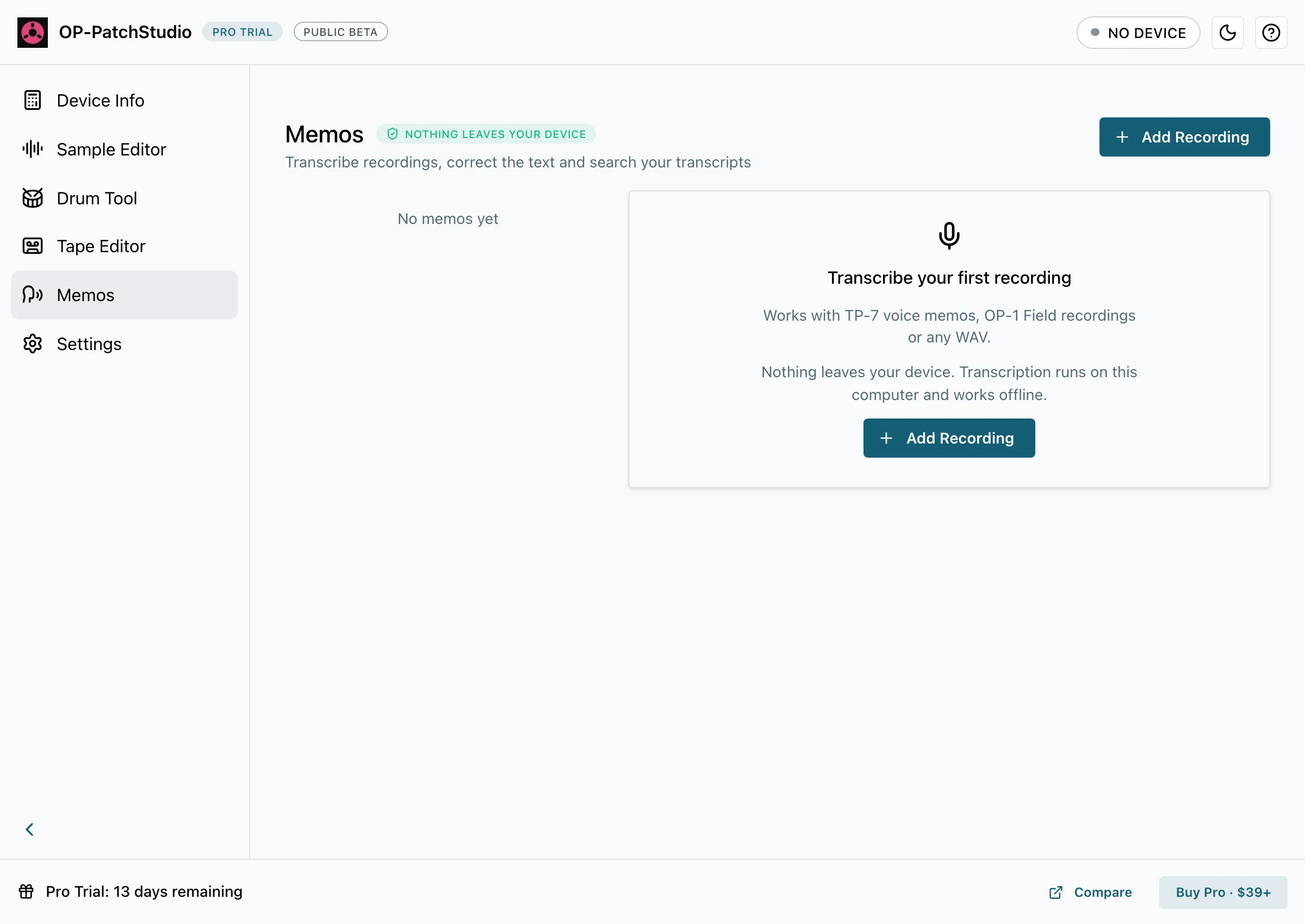
- Open Memos and select Add Recording, or drag a recording onto the window.
- Pick a WAV file: a TP-7 voice memo, an OP-1 Field recording or any other WAV.
- Wait for the transcript. Memos works on one recording at a time.
Memos keeps its own copy of each recording, so a memo still plays if you move or delete the original file.
Read, Correct and Search
Section titled “Read, Correct and Search”- Click a timestamp to play from that line.
- Click any line to correct it. Undo last correction takes back the last change.
- Use the search box to find text in every transcript.
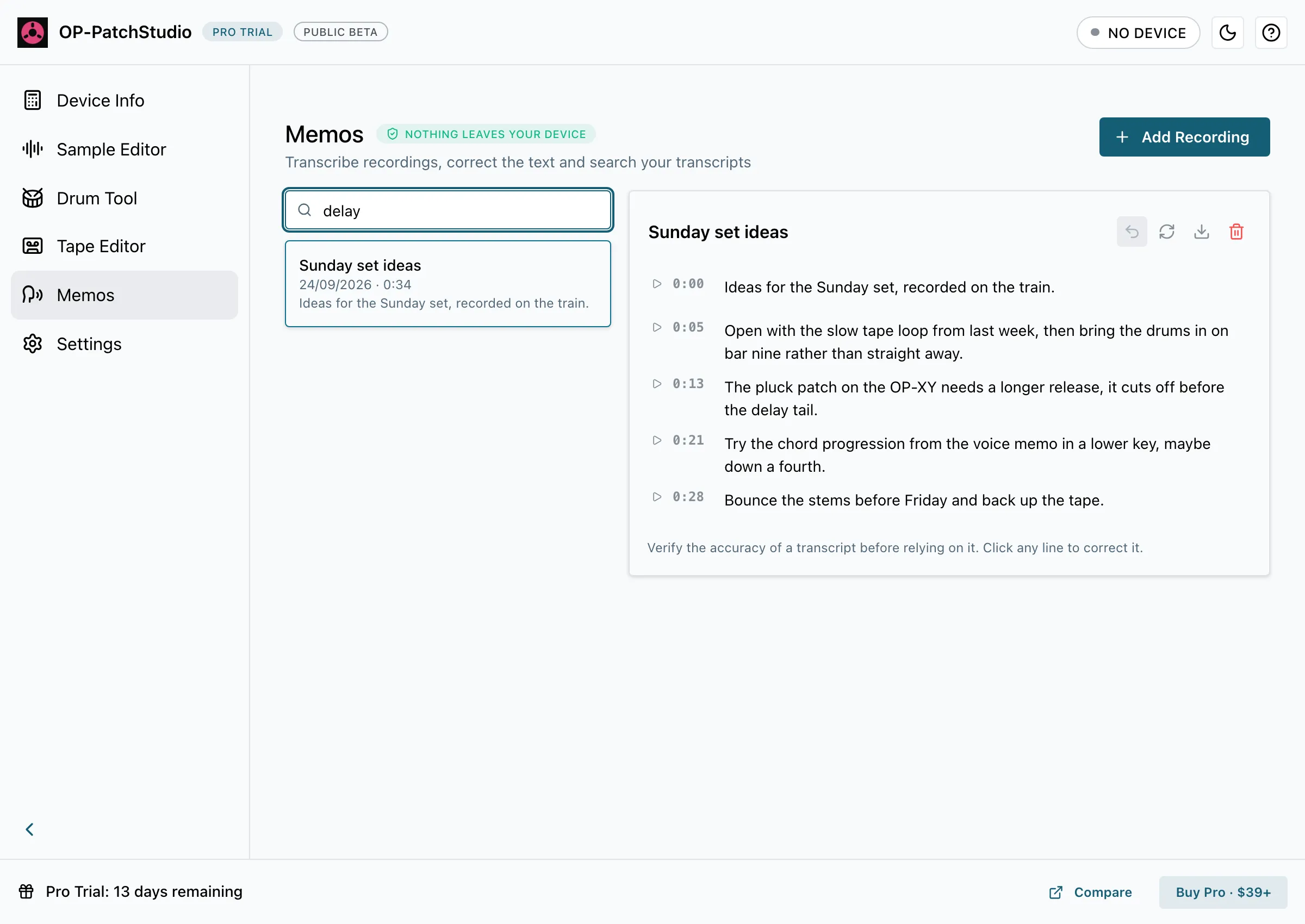
Transcripts can contain mistakes. Check a transcript before you rely on it.
If Memos finds no speech, try Transcribe Again Without Skipping Silence. Transcribe again replaces the whole transcript, your corrections included.
Export
Section titled “Export”Select Export this transcript and choose a format:
- Text
- Text with Timestamps
- Markdown
- Subtitles (SRT)
To remove a memo, select Remove this memo and its copy of the recording. The original file you added isn’t touched.