Pocket Operator PO-32 Tonic
Design PO-32 Drum Sounds and Patterns on Your Computer
Completely free. No licence, trial or paywall. If you'd like to support it, there's an optional tip jar.
A free app for designing drum sounds and patterns for the PO-32 Tonic, and moving them to and from the hardware over its own acoustic transfer. Also sends drum sounds to the PO-35 Speak's built-in Tonic channel. Built on the open-source libpo32 engine.
Download PO-PatchStudio
- macOSUniversal (Intel + Apple silicon)
- Windows64-bit installer
- LinuxAppImage
- LinuxDebian package
- AndroidSideloadable APK


Free, no account needed. See the install guide for system requirements and per-platform steps. Need an earlier desktop build? See Older Versions.
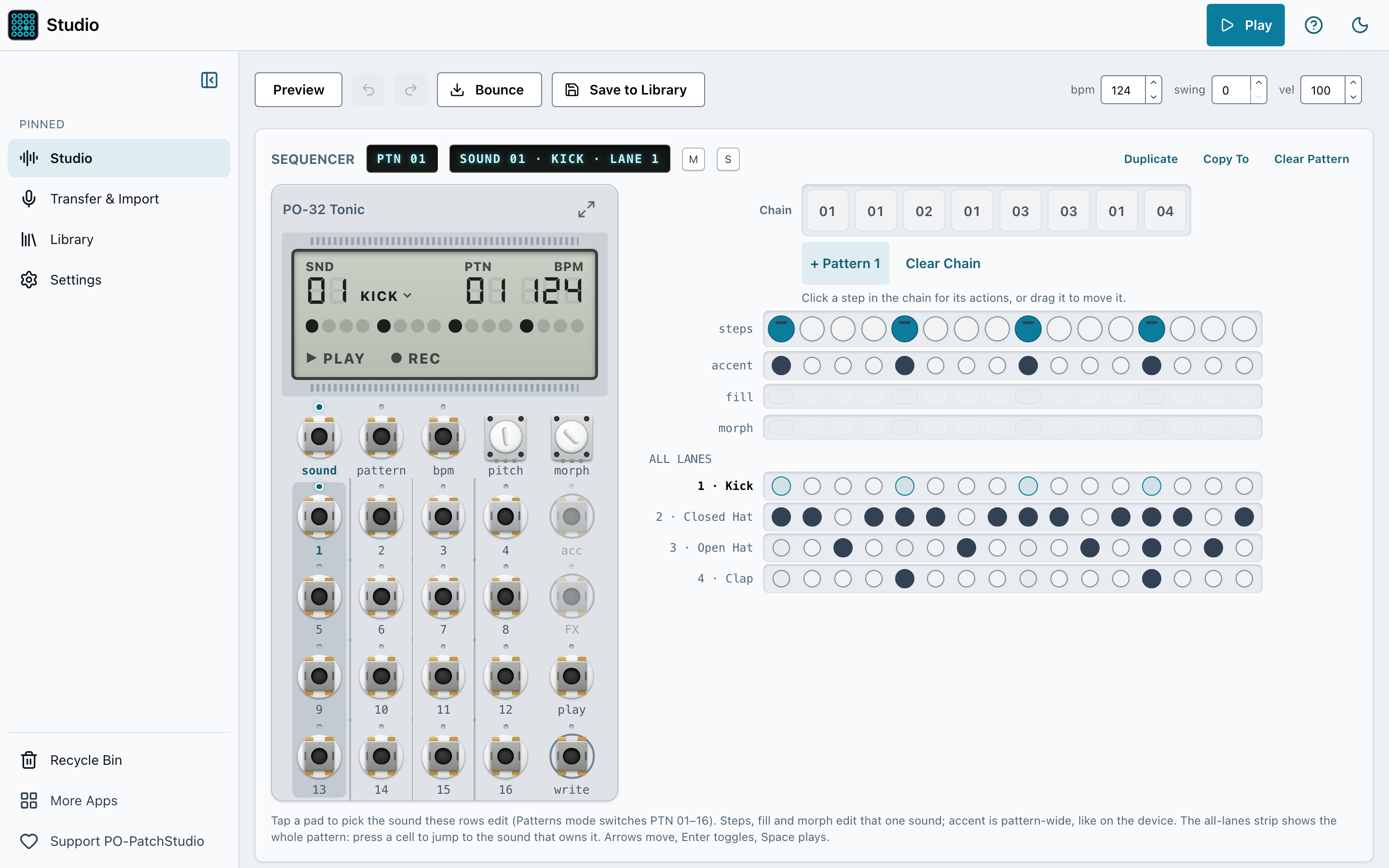
The Studio: transport, faceplate, pattern chain and four-lane sequencer in one workspace.
What it does
Design the sound
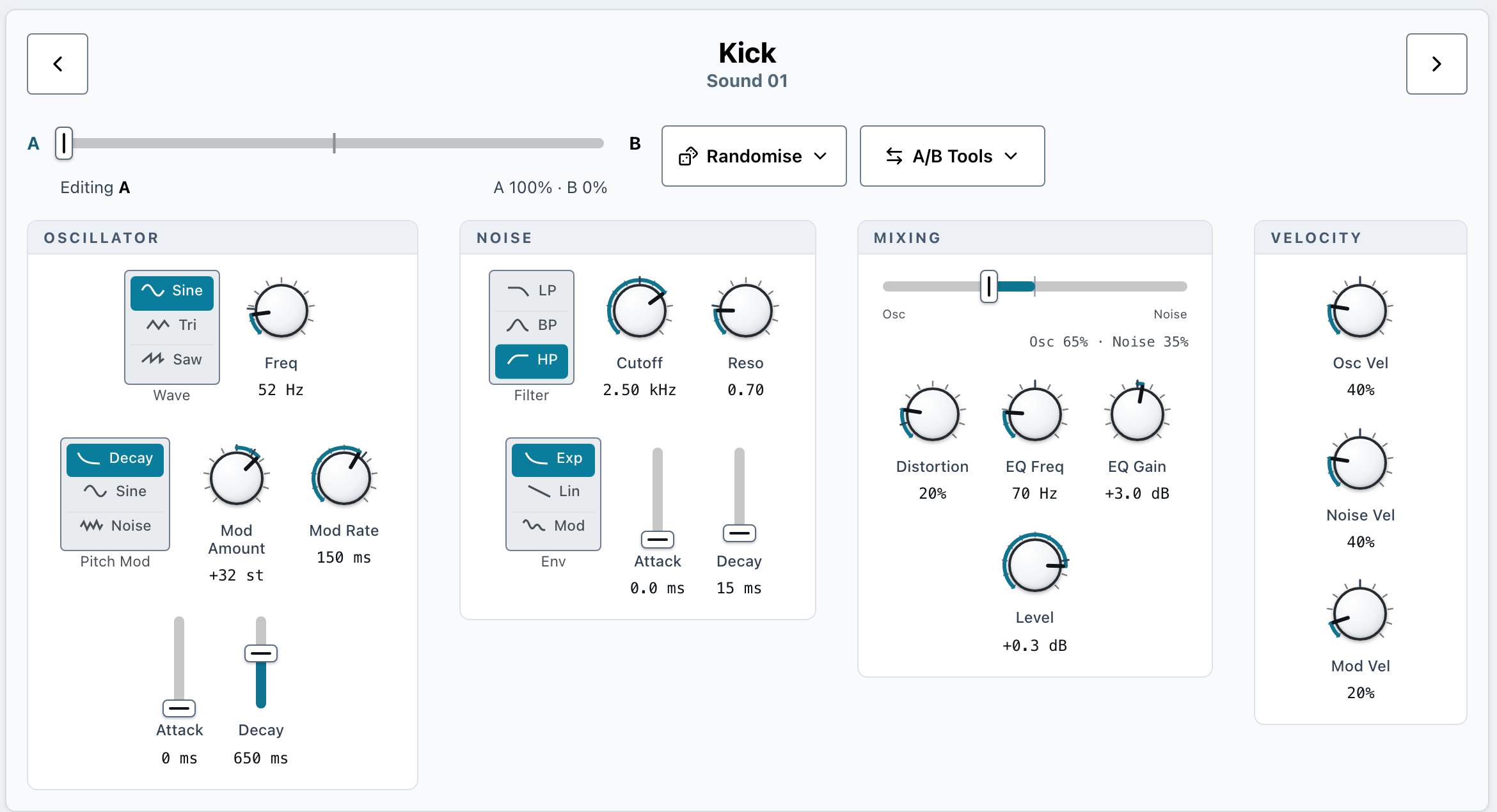
Pick a sound from the kit and shape it with the full 21-parameter Tonic drum synth, plus an A/B morph you drag to blend its two ends. Everything previews locally.
Sequence the beat
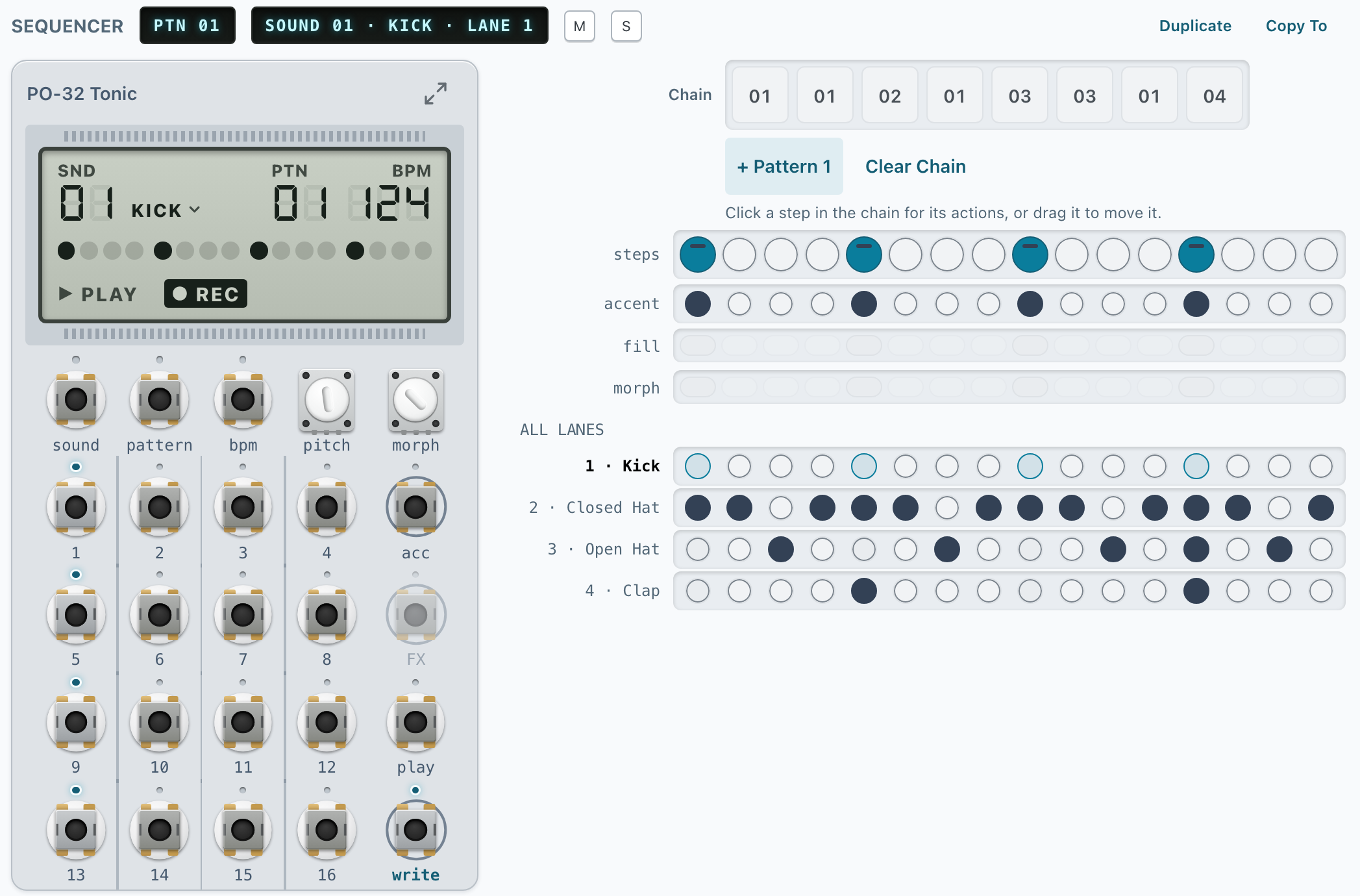
A 16-step, four-lane sequencer that mirrors the PO-32’s four monophonic voices, with per-step accent, fill and morph, plus tempo, swing and pattern chains.
Move it to the hardware
Send kits, sounds and patterns to the PO-32 over its acoustic link, or import Sonic Charge Microtonic .mtdrum and .mtpreset patches to edit and transfer.
Keep your work
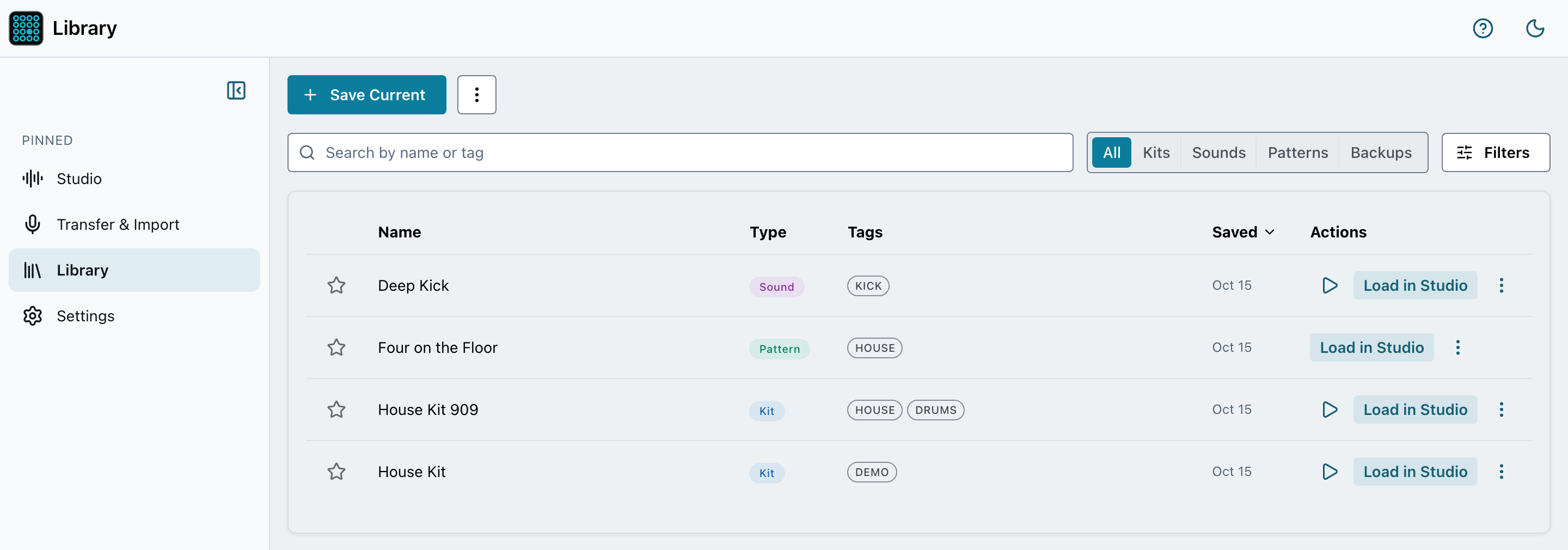
Save kits, sounds, patterns and full device backups to a local library. Search, tag, favourite, audition and load them back into the Studio.
The full Tonic sound, on screen
Every one of the PO-32’s 21 sound parameters gets a real control: envelope faders, waveform and filter switches, and the mix. Drag the A/B morph fader to pick which side of a sound you are editing, and hear each change as the pattern plays.
Previews are rendered by the open-source libpo32 synth, so they are close but not bit-identical. Anything you transfer plays through the PO-32’s own engine and sounds correct on the hardware.
A sequencer that plays like the hardware
The grid models the PO-32’s four monophonic voices as four lanes. Press write and the faceplate works like the device: tap pads to set steps, and their LEDs light up as the playhead runs. Add accent, fill and per-step morph, chain patterns into a longer arrangement, and bounce the result down.
Transfer over audio, not USB
The PO-32 has no USB data connection. It moves patches as sound. PO-PatchStudio builds the transfer, plays it into the PO-32’s microphone, and can record the device’s data dump back and decode it into your kit. Backup and restore work the same acoustic way.
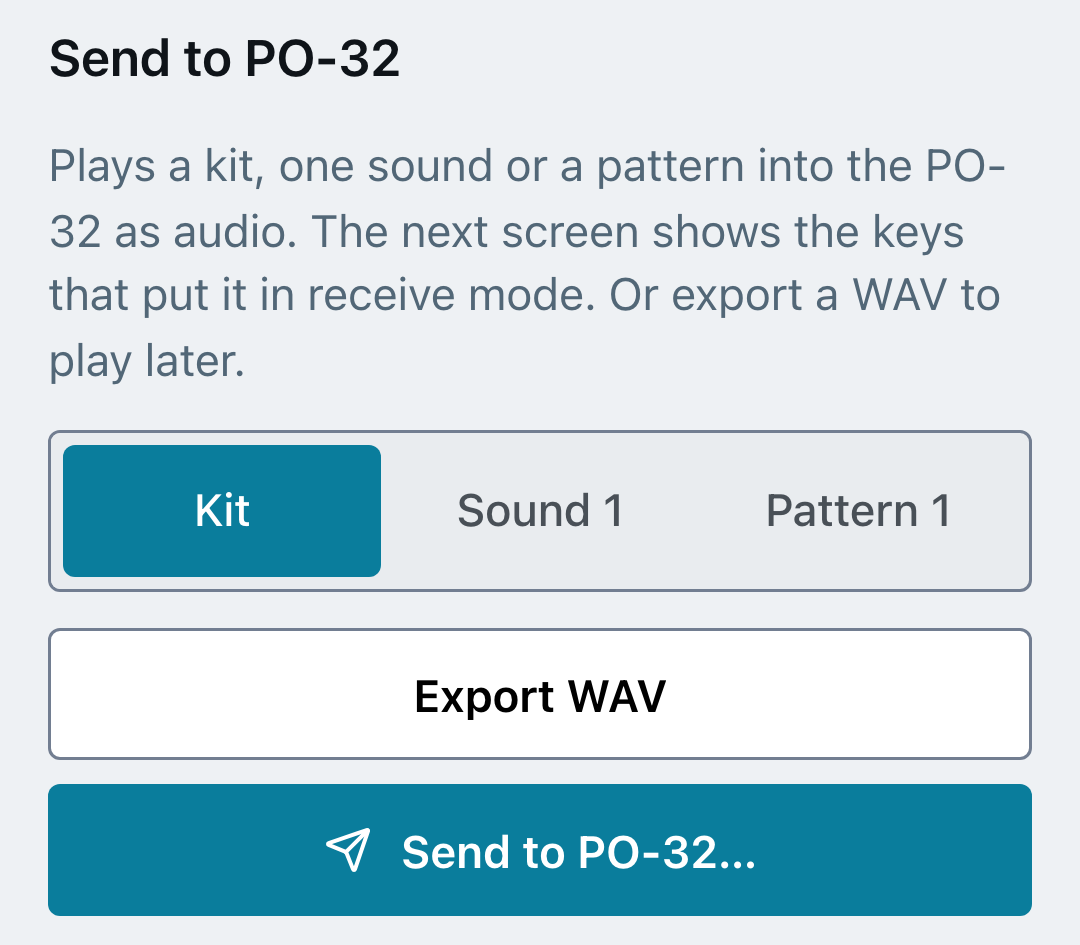
Put the PO-32 into receive mode, play the transfer, and it lands on the device. Prefer to do it later? Export a WAV instead. Full steps are in the transfer guide.
On your phone too
The same app runs on iPhone, iPad and Android, laid out for your thumbs. Expand the faceplate to play the PO-32 full screen, and send the transfer straight from the phone you are holding next to it.
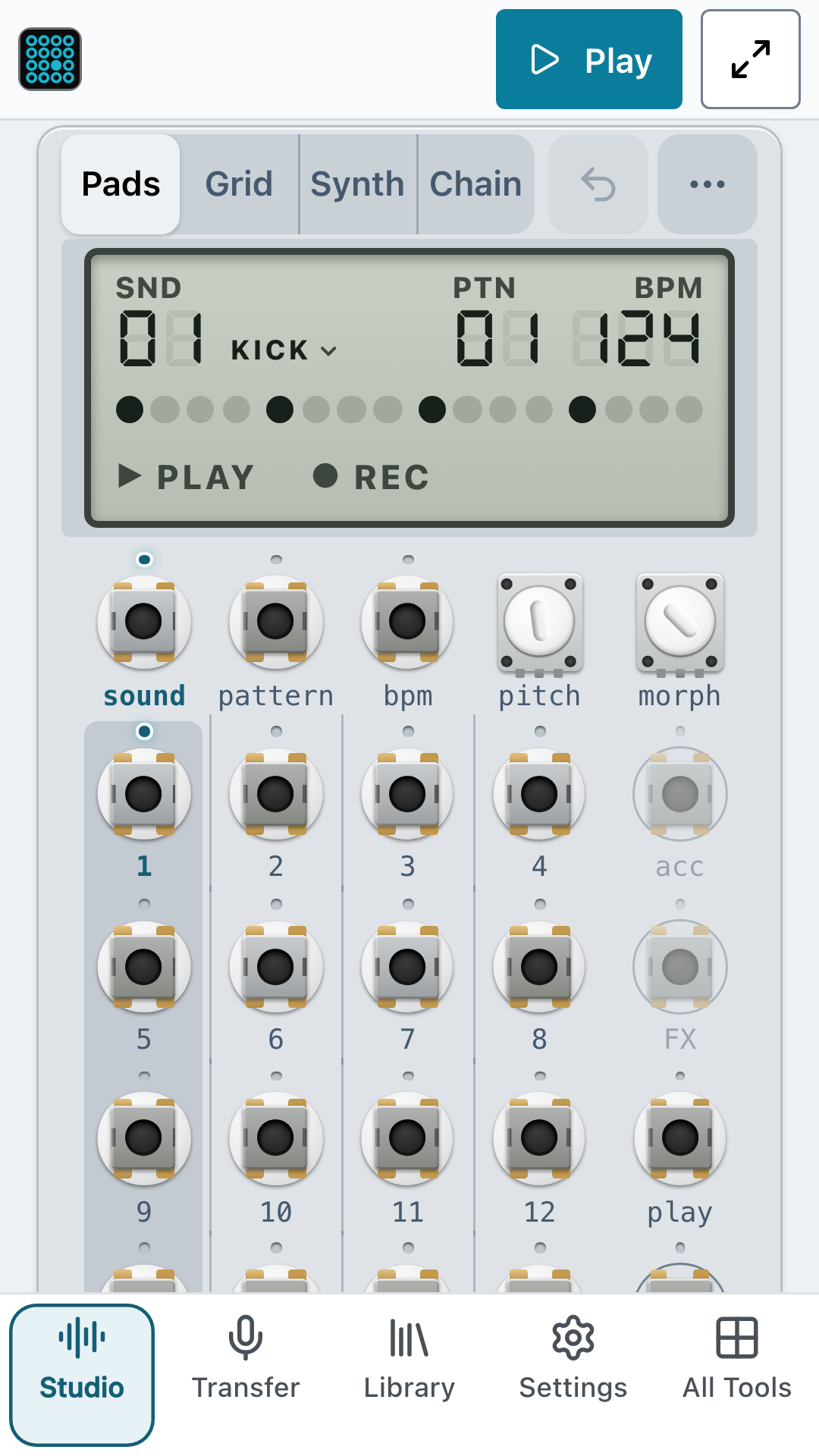
The Studio
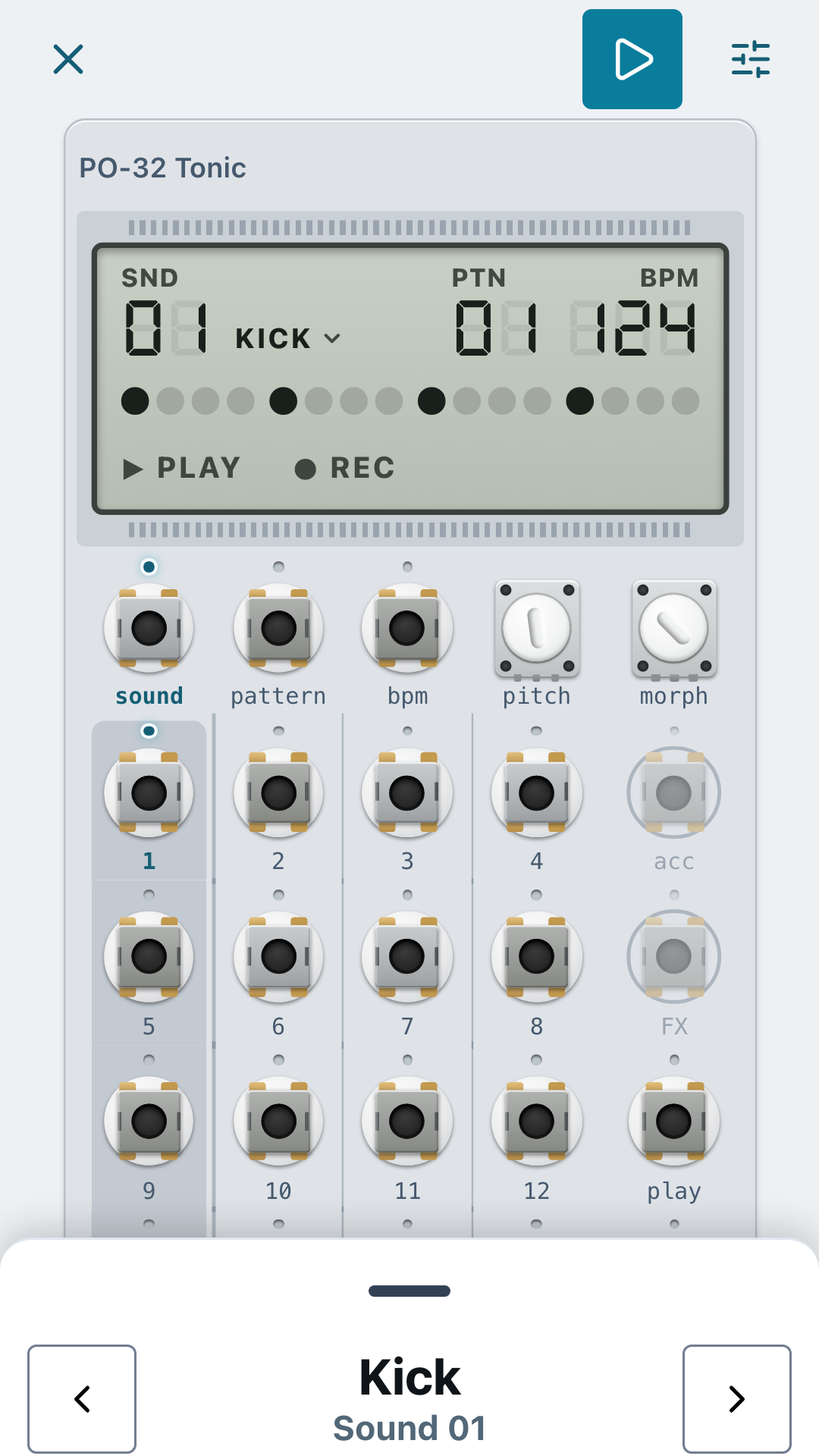
Fullscreen play view
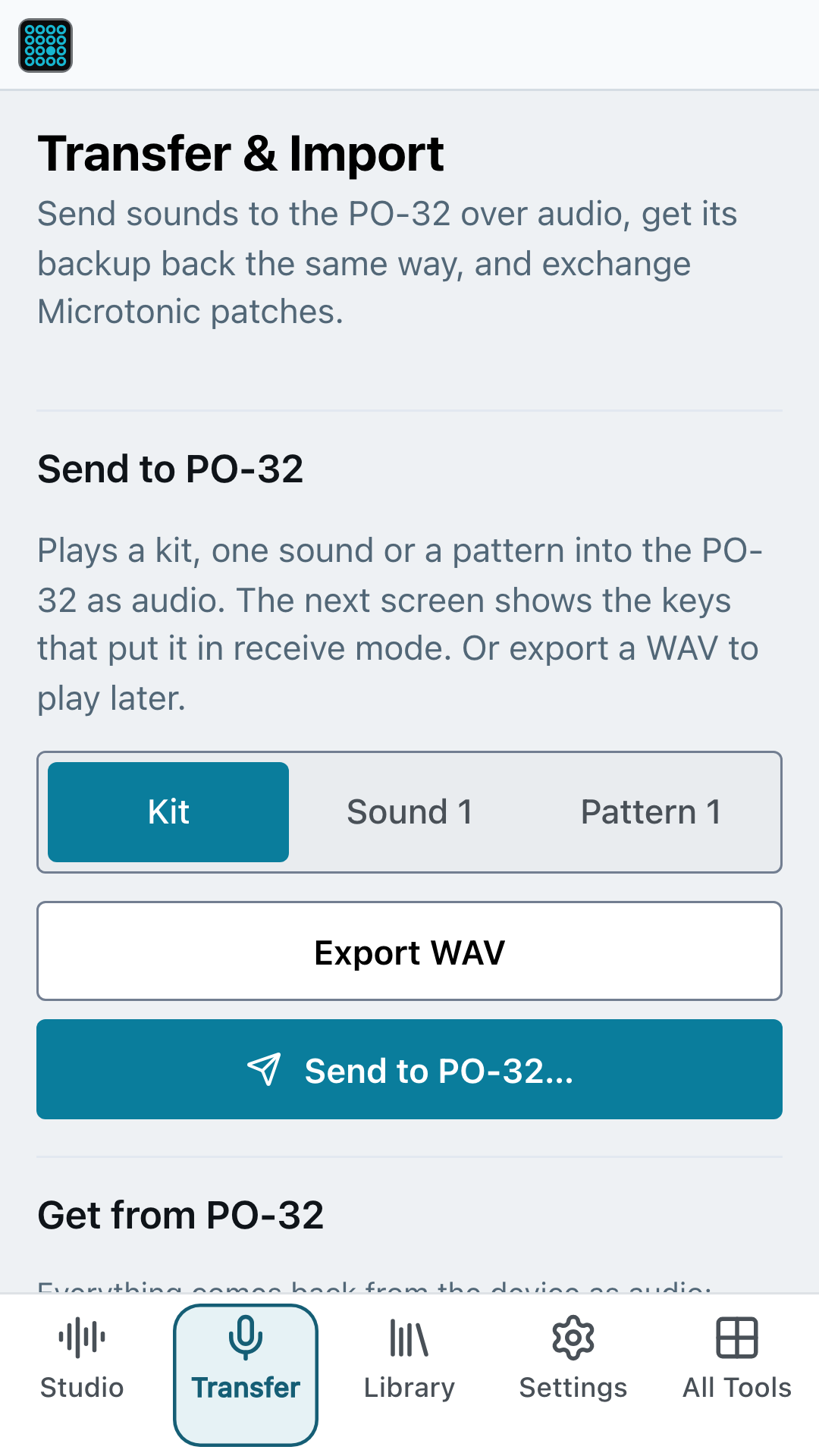
Transfer to the PO-32
One place for your kits
Save a kit, a single sound, a pattern or a full device backup as a library item. Search and tag them, mark favourites, audition them and load any of them back into the Studio.
On the roadmap
Today PO-PatchStudio supports the PO-32 Tonic. Fuller support for the PO-33 K.O! and PO-35 Speak (their samples, speech sounds and backups) is on the roadmap. Their data transfer format isn't solved yet, so the likely route is recording them over line-in. I am not promising a date.
Free, and built on open source
PO-PatchStudio is free, with no licence, trial or paywall. There's an optional tip jar if you'd like to support it, and every feature stays free. It builds on the community’s reverse-engineering work, in particular libpo32 (MIT) by Eric Lewis, which provides the PO-32 transfer stack and drum synth. Thanks also to Sonic Charge Microtonic (the synth whose sounds it imports), schollz/supertonic and the wider Pocket Operator reverse-engineering community.
Found a bug or want a feature? Email me at support@squarewave.studio or ask on Discord.
Developed independently for interoperability. Not affiliated with or endorsed by Teenage Engineering AB or Sonic Charge / NuEdge Development AB. Pocket Operator, PO-32 and Tonic are trademarks of Teenage Engineering AB, used nominatively.